Picture this: half your team is in Chicago, the other half on a screen. By hour three, the in-room group is building on ideas the remote attendees never caught—and the people on screen are reacting to a conversation they can only half follow. It’s not a technology problem. It’s a story problem. And remote scribing, paired with on-site graphic recording, is how you solve it.
What Is Remote Scribing?
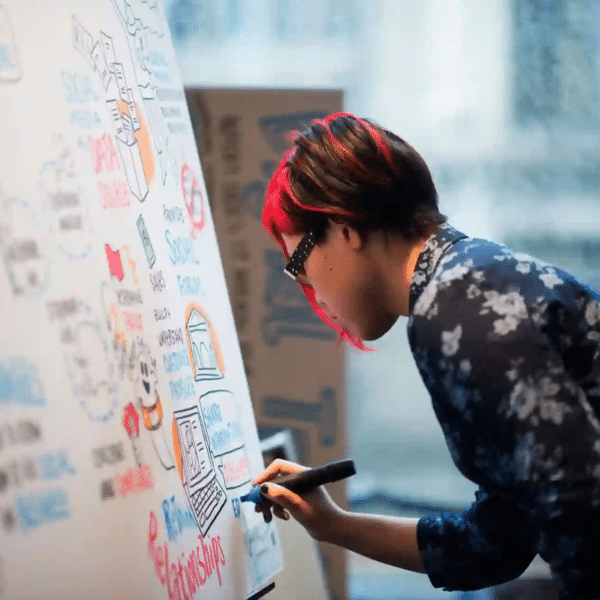
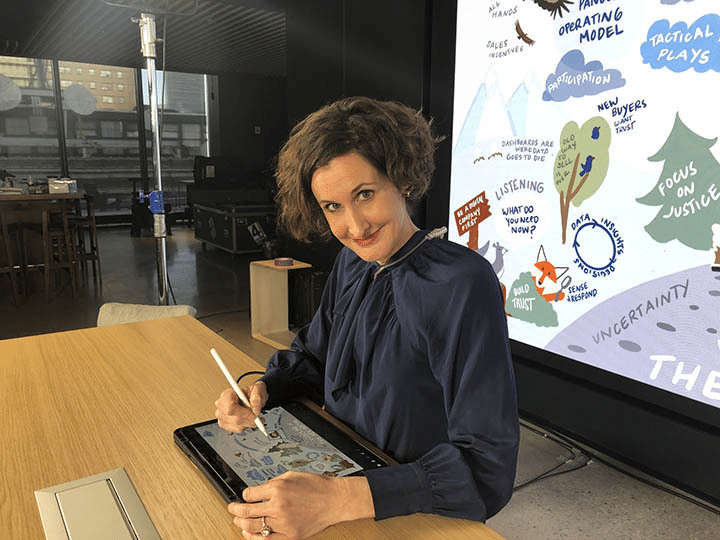
Remote scribing is live visual note-taking done off-site. A visual strategist listens to your session through a video feed, captures key ideas and decisions on a digital scribing canvas in real time, then shares that visual directly into the event stream as it builds. It carries the same discipline as on-site graphic recording—active listening, synthesis, distilling complexity into clear pictures—but is screen-native, instantly shareable, and purpose-built for hybrid formats.
Why Hybrid Events Need a Unified Visual Story
Hybrid audiences don’t share context. In-room attendees read body language and catch the sidebar conversations that shift a room. Remote attendees get a camera angle and an audio feed. Without a shared reference point, both groups leave with different takeaways—sometimes critically different ones. Alignment suffers. Decisions get relitigated.
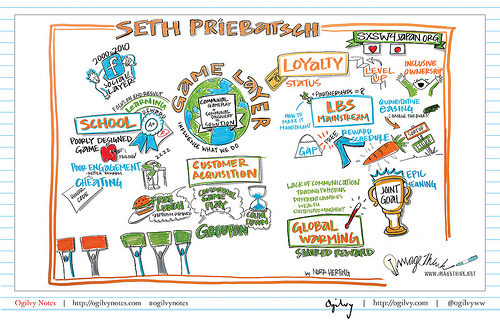
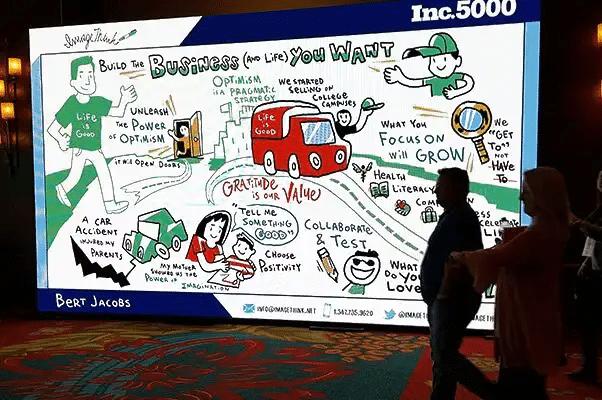
This is a problem visual facilitation was built to solve: capture key ideas on a large-format visual in real time, and the whole room stays on the same page. Remote scribing extends that clarity to the screen, lifting hybrid event engagement by giving remote attendees a living artifact—not just a talking head.
The goal isn’t two recordings of the same event. It’s one unified story, seen from two vantage points.
How Live and Remote Scribing Work Together
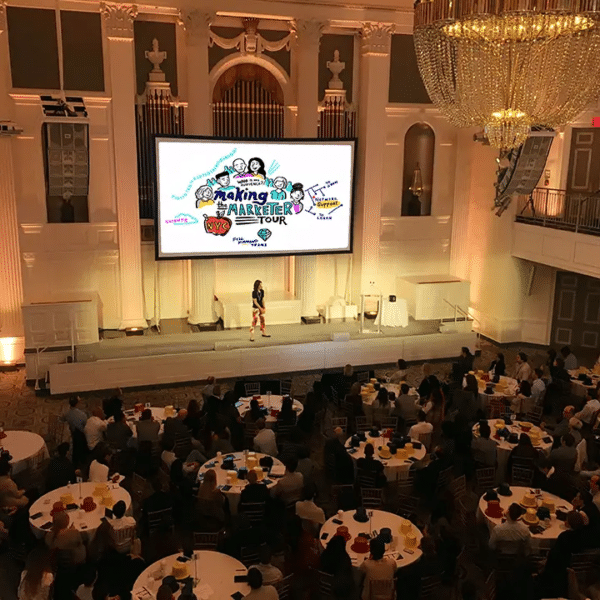
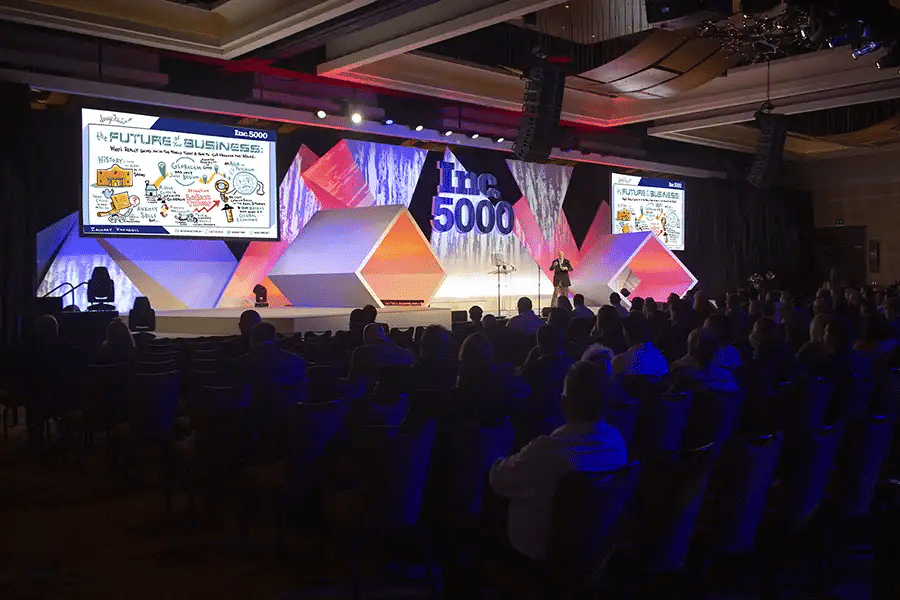
Think of it as one event, two capture points, one story. The on-site graphic recorder anchors the physical room. The remote scribing canvas anchors the stream, optimized for screen readability with clear hierarchy and strong contrast. When both visuals share the same icons and narrative structure, they feel like chapters of the same story—not two separate records of two separate experiences.
In our seventeen years and thousands of client sessions—Fortune 50 leadership summits, global health conferences, technology offsites—we’ve seen this drive real hybrid event engagement. When a global technology company asked us to cover an in-room summit in New York alongside a broadcast to teams in London and Singapore, both audiences were referencing the same visual by end of day one. The remote attendees weren’t catching up. They were in the room.
Pre-Event Planning, During the Event, and Post-Event Deliverables
Before the event, align on purpose and what a successful visual outcome looks like. Assign live scribing and remote scribing by session. Build a shared style guide—colors, fonts, icons—so both visuals speak one language from the start.
During the event, both scribes capture in real time and share progress snapshots at natural breaks. After the event, those visuals become reusable assets: recap emails, internal decks, social posts. The image that drove alignment live becomes the artifact that keeps the conversation going.
Tools That Power Remote Scribing
Most virtual graphic recording setups need three things: a drawing tablet, a digital scribing application, and a reliable way to share the canvas into the event platform. What no tool replaces is the thinking—active listening, synthesis, and the craft that makes complex ideas land. At ImageThink, the medium has evolved. The craft hasn’t.
Benefits of Remote Scribing for Hybrid Events
The service expands visual coverage without expanding travel costs. It creates screen-native assets ready for distribution the moment a session ends. It supports accessibility by giving audiences who benefit from visual structure something concrete to follow. Remote scribing also adds flexibility when agendas shift mid-event—and it transforms hybrid event engagement by turning remote attendees from passive viewers into active participants in a shared, unfolding story.
Keeping Visuals Consistent Across Formats
Consistency is what turns two captures into one story. Before the event, agree on a shared template, color palette, and icon set. Define how you’ll title sections and highlight decisions. Because remote scribing is screen-native, it sets the legibility standard—on-site graphic recording mirrors that structure so both visuals feel like they belong to the same piece.
Common challenges: inconsistent audio feeds, unclear capture priorities, misaligned visual styles. The fix is a thorough pre-event brief—confirm feeds, align on the style guide, and build a fast communication loop between producer, facilitator, and both scribes.
One Event, One Story—No Matter Where Your Audience Is
Hybrid events don’t have to mean a divided experience. With on-site graphic recording and live visual capture working in tandem—built on shared virtual graphic recording tools and a unified visual language—both audiences follow the same story in real time, wherever they are.
ImageThink has been pioneering graphic recording and visual facilitation since 2009, with thousands of sessions across four continents. If you’re planning a hybrid event and want one unified story—no matter where your audience sits—we’d love to help you picture it.
People Also Ask
How does graphic recording work for virtual events?
It’s delivered as virtual graphic recording: a visual strategist draws live on a shared digital scribing canvas while listening through a video feed, sharing the visual into the event stream in real time.
Can you use visual note-taking in hybrid meetings?
Yes—hybrid formats are where remote scribing and visual facilitation create the most alignment. When both audiences follow the same visual story, the gap between in-room and remote experiences closes significantly.
What tools are used for remote graphic recording?
A drawing tablet, a digital scribing application, and a reliable way to share the canvas into the event platform. The technology is simple; the craft—active listening, synthesis, clarity—is what makes the difference.
How do hybrid events keep remote attendees engaged?
Clear structure, interactive moments, and a shared visual story remote attendees can follow in real time. When people on screen see the same visual developing as people in the room, they’re not observers. They’re participants—and that’s the real power of remote scribing for hybrid event engagement.