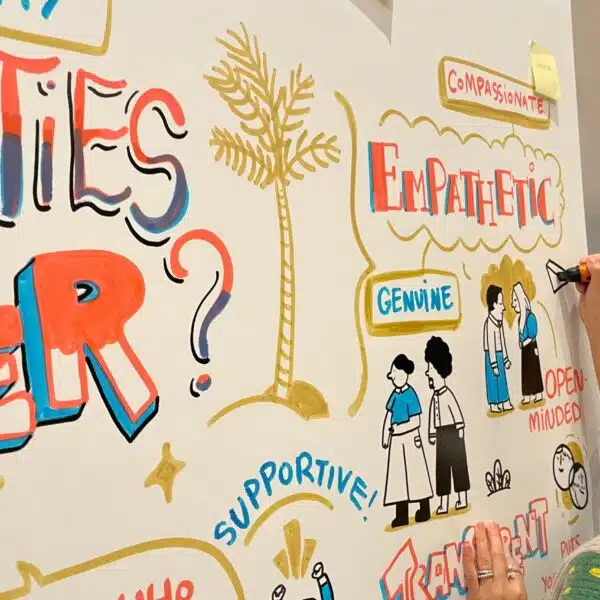
AI meeting notes and graphic recording solve different problems. AI note takers excel at fast, searchable transcripts, summaries, and action items. Graphic recording excels at real-time synthesis, turning a conversation into a clear visual summary that helps people understand, remember, and align. Which one you need depends on your goal, and for many teams the two work best together.
This guide covers what each does best, where each falls short, a side-by-side comparison, and how to choose or combine them.
Different jobs, not direct rivals
Use AI notes when you need a complete, searchable record and a clean list of action items. Use graphic recording when you need engagement, synthesis, and a memorable shared picture of the discussion.
Neither tool is simply better than the other. They’re built for different moments. A recurring status update and a two-day strategy offsite call for very different kinds of support.
What AI meeting notes do best
AI note takers record, transcribe, and summarize meetings automatically. Most also extract action items, identify who said what, and make the content searchable after the call ends.
Their strengths are speed, completeness, and cost. An AI note taker can sit in dozens of meetings a week without adding staff time. It also captures nearly everything said, so teams can search back for a specific comment months later.
This is a strong fit for recurring meetings and status updates, where a full record matters more than a shared view of the big picture. Categories range from dedicated note-taking apps to bot-free recorders built into videoconferencing tools, useful for privacy-sensitive calls.
Where AI meeting notes fall short
Transcripts and summaries capture what was said. They don’t always capture what mattered most, or how the ideas in the room connect to each other.
AI notes also don’t create engagement while the meeting is happening. A summary that lands in someone’s inbox the next morning has already lost the energy of the conversation. Dense, text-heavy summaries are rarely something a team remembers. Dual-coding research backs this up: people recall information better when it’s shown, not just written.
Privacy, accuracy, and the presence of a recording bot can also raise questions in sensitive settings, especially with executives or clients.
What graphic recording does best
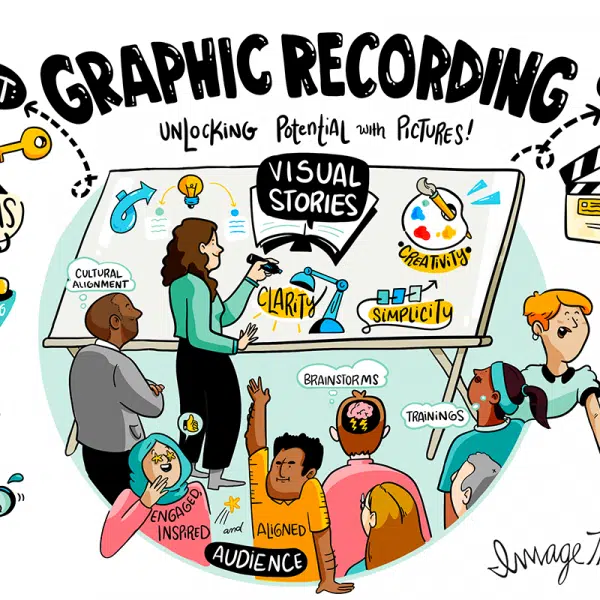
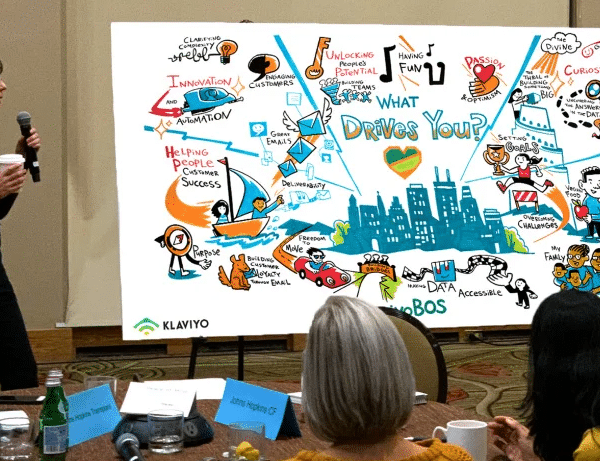
Graphic recording captures a conversation in real time and turns it into a clear visual summary, filtering for the ideas, decisions, and turning points that matter most.
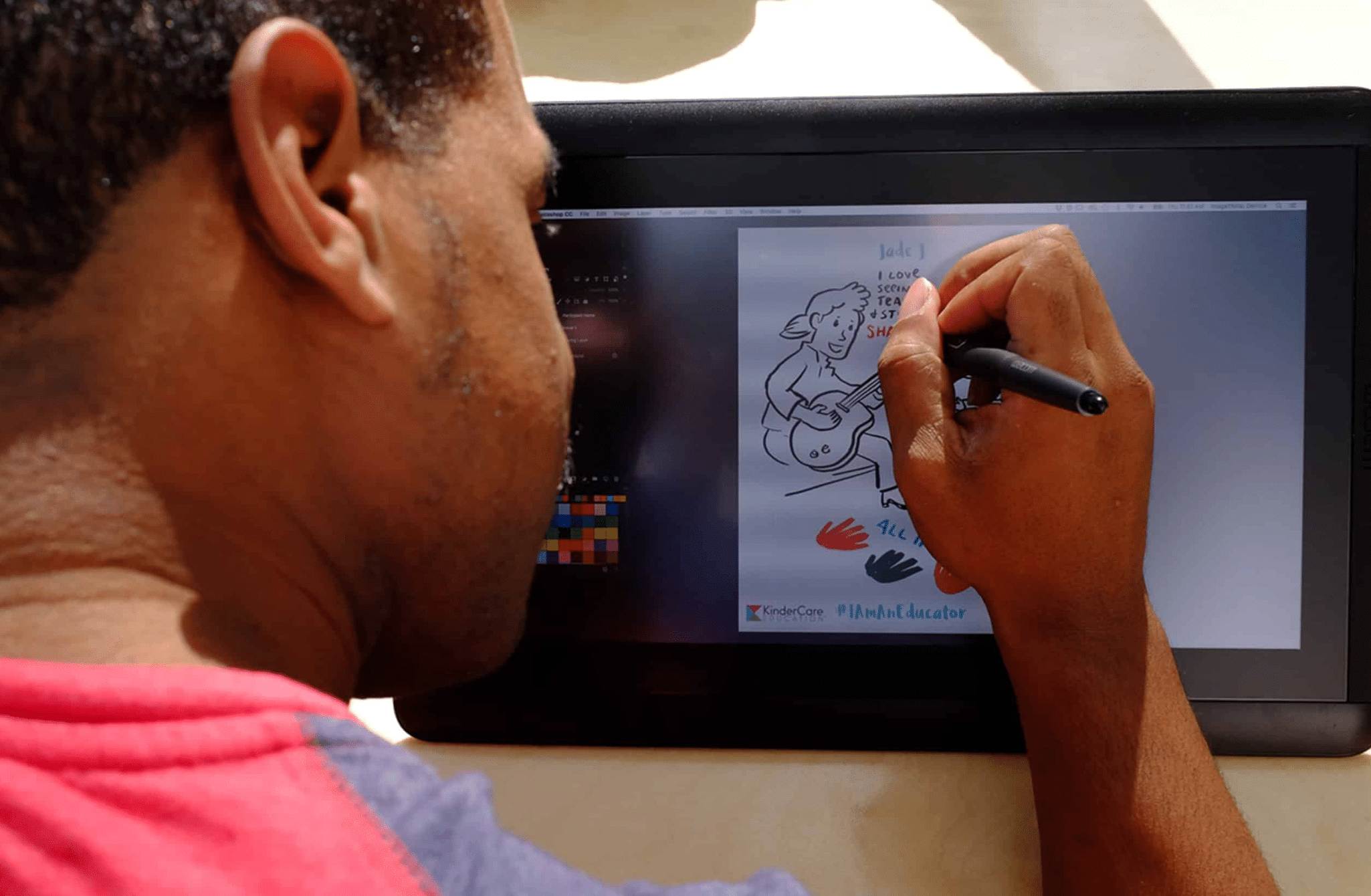
A visual strategist listens actively and makes constant judgment calls in real time, deciding what to include and how ideas relate to each other. At ImageThink, our visual strategists apply The ImageThink Method™, a live approach to synthesizing conversation into a shared visual. That real-time synthesis, paired with the energy of watching ideas take shape live, is what drives engagement, recall, and follow-through.
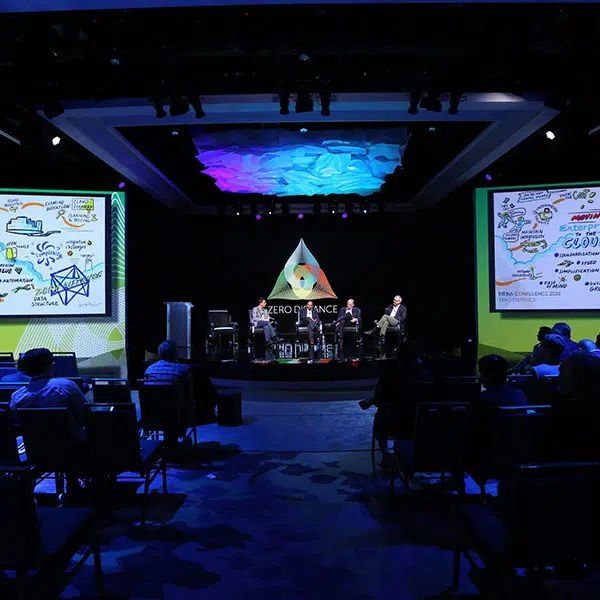
Graphic recording is a strong fit for high-stakes moments: strategy sessions, executive meetings, conferences, and kickoffs, where alignment matters as much as the record.
Where graphic recording is not the right tool
Graphic recording is not designed to produce a complete, word-for-word transcript. If your goal is an exhaustive record of every comment, an AI note taker is the better tool.
It’s also not the most cost-effective choice for routine, high-volume internal meetings. It’s booked and delivered as a live, facilitated session, so it doesn’t run quietly in the background the way a note-taking app does.
Side-by-side: graphic recording vs. AI meeting notes
AI meeting notes and graphic recording differ across eight dimensions, from what they produce to how well each one scales.
| Dimension | AI Meeting Notes | Graphic Recording |
| Primary output | Transcript, summary, action items | Visual summary of the discussion |
| What it captures | Nearly everything said | The ideas, decisions, and turning points that matter |
| Engagement | Minimal in the room | High, live, and visible |
| Memorability | Low; text summaries fade quickly | High; a shared visual artifact people remember |
| Searchability | Strong, fully text-searchable | Limited; a static visual reference |
| Best use | Recurring meetings, status updates | Strategy sessions, executive meetings, conferences |
| Cost model | Low cost per meeting, scales easily | Scheduled engagement, priced per session |
| Scale | Many meetings at once | One high-stakes session at a time |
The pattern holds across most teams: AI notes win on completeness, search, and scale. Graphic recording wins on synthesis, engagement, and memorability.
How to choose the right approach
Start with your goal. Choose AI notes for a searchable record and a clean list of action items. Choose graphic recording for engagement, alignment, and a shared visual a group rallies around.
From there, weigh the stakes and the audience. A recurring internal check-in rarely justifies graphic recording, while a pivotal strategy session or leadership offsite often benefits from it. Privacy needs matter too: if a recording bot isn’t appropriate for the room, that shifts the decision as well.
Using both together
For many teams, the two work best in combination. AI notes provide the complete record and action items, while graphic recording provides the visual summary that keeps the big picture and key decisions visible.
A typical workflow: the AI note taker runs quietly in the background, capturing the transcript and generating action items. Meanwhile, a visual strategist creates a live visual summary of the session. That summary can anchor follow-up communications, and the transcript backs it up with the full detail underneath. Used this way, teams get both completeness and clarity.
Key takeaways
AI meeting notes are best for complete, searchable records and action items. Graphic recording is best for synthesis, engagement, and memorable alignment. In most organizations, the two complement each other rather than compete.
Graphic recording is strategic visual thinking, not transcription. Consider it for your next high-stakes session: a strategy offsite, an executive meeting, or a conference. The goal is simple: keep the ideas in the room alive after the meeting ends.
FAQ
What is the difference between graphic recording and AI meeting notes?
AI meeting notes produce searchable transcripts, summaries, and action items automatically. Graphic recording produces a real-time visual summary that synthesizes and prioritizes the most important ideas from a conversation.
Can AI meeting notes replace a graphic recorder?
Not fully. AI is best for a complete record, while graphic recording is best for synthesis, engagement, and memorable alignment. They serve different purposes rather than one replacing the other.
When should I use graphic recording instead of AI notes?
Choose it for high-stakes, engagement-driven moments: strategy sessions, executive meetings, conferences, and workshops, where alignment matters as much as the record.
When are AI meeting notes the better choice?
They fit routine, high-volume meetings best, where a complete record and clear action items matter more than in-room engagement.
Can I use both graphic recording and AI meeting notes together?
Yes. AI notes provide the detailed record while graphic recording provides the visual summary, giving teams both completeness and clarity from the same session.
What are the main limits of AI meeting notes?
AI captures what was said but not always what mattered most or how ideas connect. It doesn’t create in-room engagement, and it can raise privacy and accuracy concerns in sensitive settings.
Ready to Picture Your Big Idea?
"*" indicates required fields