In today’s world of endless slide decks and information overload, how do you make your message stand out? The answer is simple, timeless, and surprisingly fun: presentation drawing. Whether you’re leading a strategy session, pitching a new product, or facilitating a team meeting, drawing for presentations turns abstract ideas into clear, memorable visuals that spark engagement and drive results.
What Is Presentation Drawing? (Quick Answer)
Presentation drawing is the practice of illustrating ideas in real time during a meeting, workshop, or presentation, so an audience watches concepts take shape instead of only reading static slides. Closely related to graphic recording, it turns live discussion into clear, memorable visuals that improve engagement, understanding, and recall. It works in person and in virtual or hybrid sessions, and it does not require artistic skill.
What Is Presentation Drawing and Why Does It Matter?
Presentation drawing is the practice of illustrating key concepts, ideas, or processes in real time during a meeting, workshop, or presentation. Unlike static slides, these visuals are created live—on a whiteboard, tablet, or even a giant piece of paper—so your audience can see ideas take shape before their eyes.
Why does this matter? Because humans are wired for visual storytelling. Studies show that we process images 60,000 times faster than text, and we remember visuals long after spoken words fade. Presentation drawing leverages this natural advantage, making your meetings, pitches, and workshops more dynamic and impactful.
Presentation Drawing vs. Graphic Recording: What Is the Difference?
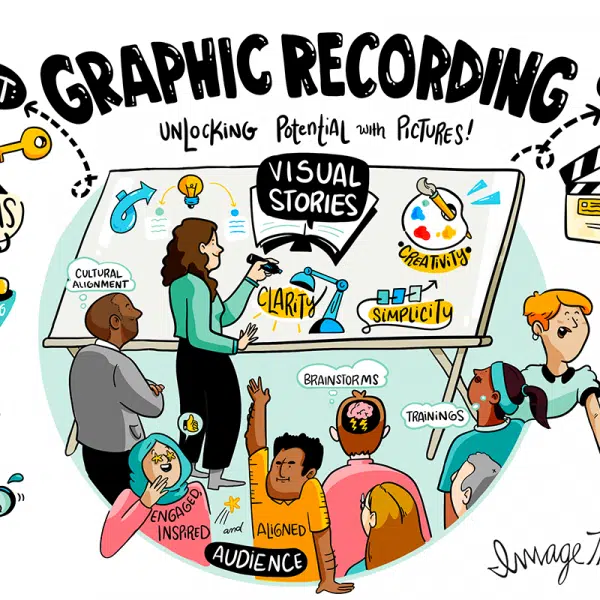
Many people confuse presentation drawing with graphic recording. While there is an overlap between the two, they actually refer to slightly different things. Presentation drawing refers to creating illustrations for specific ideas as they are brought up. In a pitch, workshop, or presentation, an artist might create a few sketches that correspond to particular topics. Graphic recording involves mapping the entirety of the discussion. Rather than creating illustrations for individual ideas, graphic recorders create one large visual map that covers a meeting, panel, or other group session. This includes every idea, decision, connection, etc.
ImageThink often uses both techniques during a single project. It will depend on the size and scope of the meeting whether more presentation drawing or more graphic recording is used. Not sure what you need? See our graphic recording services page, or contact us to learn more about what would best suit your meeting.
How Visual Notes Elevate Meetings and Pitches
Have you ever sat through a meeting where critical insights got buried beneath endless bullet points? Visual notetaking, the core technique behind presentation drawing, cuts through this clutter by transforming complex ideas into clear, engaging visuals. By capturing discussions through illustrations, visual notetaking highlights connections between ideas, issues, and stakeholders that might otherwise go unnoticed.
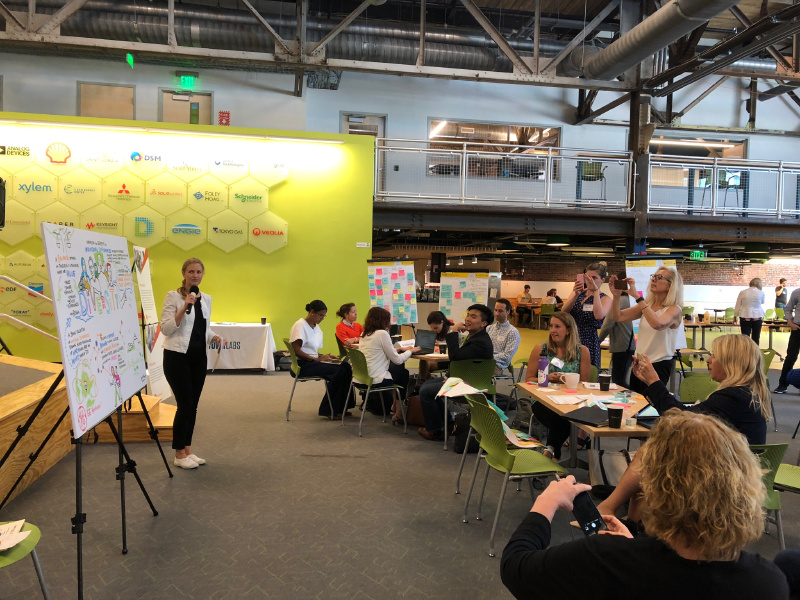
Moreover, live drawing during meetings fosters a higher level of participant engagement. As attendees see ideas taking shape visually in real-time, they’re more inclined to provide immediate feedback, enhancing collaborative problem-solving. Beyond the meeting itself, these visual notes serve as an invaluable resource, clearly outlining next steps and making follow-up tasks simple and straightforward.
Use Cases: Where Presentation Drawing Drives Impact
Presentation drawing isn’t just for artists or creative teams. Here’s where it makes a real difference:
- Strategy sessions: Map out goals, obstacles, and action plans with visual clarity.
- Product launches: Illustrate features, benefits, and user journeys for stakeholders.
- Education and training: Break down complex concepts into easy-to-understand visuals.
- Sales pitches: Tell a compelling, story-driven narrative that sticks with your audience.
- Virtual meetings: Use digital sketching tools to keep remote teams aligned and energized.
Techniques and Tools for Creating Effective Presentation Drawings
You don’t need to be a professional artist to master drawing for presentations. Here are some simple techniques and tools to get you started:
- Whiteboard drawing techniques: Use simple shapes, arrows, and color-coding to organize information.
- Digital sketching tools: Apps like Procreate, Adobe Fresco, or even Zoom’s whiteboard feature make live drawing easy and accessible.
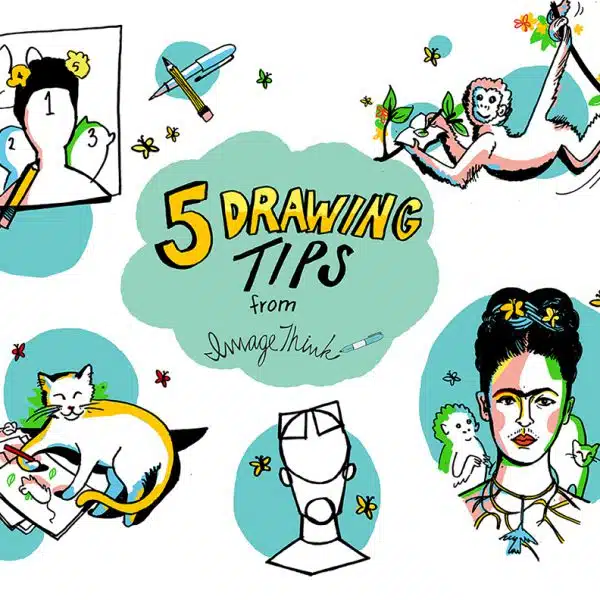
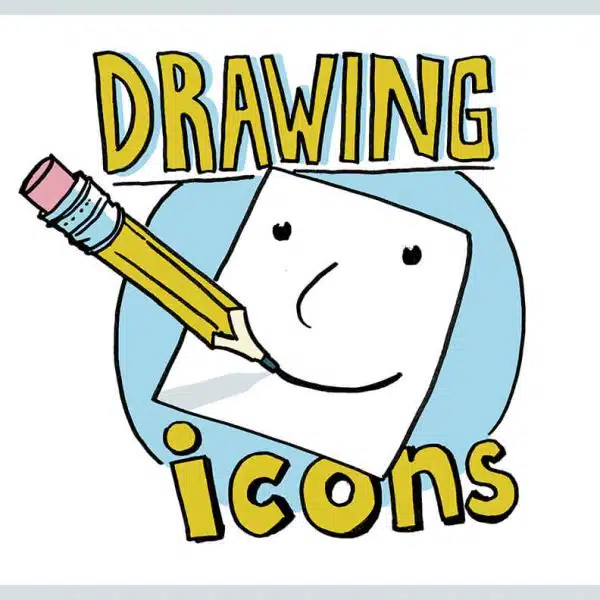
- Templates and icons: Build a visual vocabulary of icons (light bulbs for ideas, arrows for direction, etc.) to speed up your process.
- Weighted scoring matrices: Visualize decision-making by drawing out options and consequences.
Digital vs. Hand-Drawn Presentations: Pros and Cons
Digital presentation drawing offers flexibility, easy sharing, and the ability to project visuals to large groups—perfect for webinars or big conferences. Hand-drawn visuals create a sense of immediacy and personal connection, making them ideal for smaller, interactive sessions.
| Digital Drawing | Hand-Drawn (Analog) | |
|---|---|---|
| Best For | Large/Remote Audiences | Small, In-Person Meetings |
| Pros | Easy to Share, Edit, and Archive | Personal, Tactile, Fosters Connection |
| Cons | Needs Tech Setup | Harder to Scale, Less Portable |
Tips to Make Your Drawings Memorable and Persuasive
- Keep it simple: Focus on key ideas, not artistic perfection.
- Use color thoughtfully: Color-code for organization and emphasis.
- Tell a story: Guide your audience from challenge to solution with story-driven visuals.
- Engage your audience: Invite input—let others add to the drawing or suggest icons.


Drawing a Clearer Picture in Team Collaboration
When everyone can see the same visual map, misunderstandings fade and alignment grows. Collaborative drawing encourages participation, uncovers hidden assumptions, and helps teams co-create solutions. The result? More engaged, action-oriented meetings—and strategies that stick.
How ImageThink Brings Presentation Drawing to Your Meetings and Events
For high-stakes strategy sessions, conferences, and executive meetings, many teams bring in a professional. ImageThink is a visual strategy firm that has helped organizations across technology, healthcare, education, and the nonprofit sector turn complex conversations into clear visuals that teams can align around and act on. You can see the results in our case studies, or explore how our graphic recording and visual facilitation work supports live and virtual events.
Getting Started: Presentation Drawing for Non-Artists
Worried you’re “not an artist”? Don’t be. Presentation drawing is about communication, not perfection. Start with basic shapes, stick figures, and simple icons. Practice sketching in low-stakes meetings, or try out digital tools that offer undo and redo (your new best friends).
Quick-Start Toolkit for Beginners
- Whiteboard or tablet (iPad + stylus, or any touchscreen device)
- Favorite drawing app (Procreate, Microsoft Whiteboard, Miro, Zoom Whiteboard)
- Basic icon library (arrows, people, lightbulbs, speech bubbles)
- Cheat sheet of color codes for categories or teams


Presentation Drawing FAQs
A presentation drawing is a live, visual illustration created during a meeting or presentation to clarify and communicate ideas.
Drawings boost audience engagement, improve information retention, and make complex ideas easy to understand.
It bridges gaps in understanding, surfaces connections, and provides a lasting visual reference for your team.
Popular tools include iPad + Procreate, Adobe Fresco, Microsoft Surface, Miro, and Zoom Whiteboard.
Not at all! Simple shapes and icons are all you need to make your visuals impactful.
They overlap. Presentation drawing illustrates ideas live during a talk, while graphic recording captures a full conversation as one large visual summary. Both turn discussion into clear, shareable visuals.
Yes. Using digital tools like Miro, Procreate, or Zoom Whiteboard, an artist can draw live on a shared screen so remote and in-person participants follow the same visual in real time.
Cost depends on session length, format, and the number of artists. ImageThink builds custom quotes for meetings, workshops, and events. Contact us or see our pricing page for an estimate.
Ready to Picture Your Big Idea?
"*" indicates required fields