A great visual deliverable rarely comes down to talent alone. It comes down to clarity.
When an event briefing is strong, your visual team can capture what matters, reflect the right tone, and design visuals that support decisions—not just documentation.
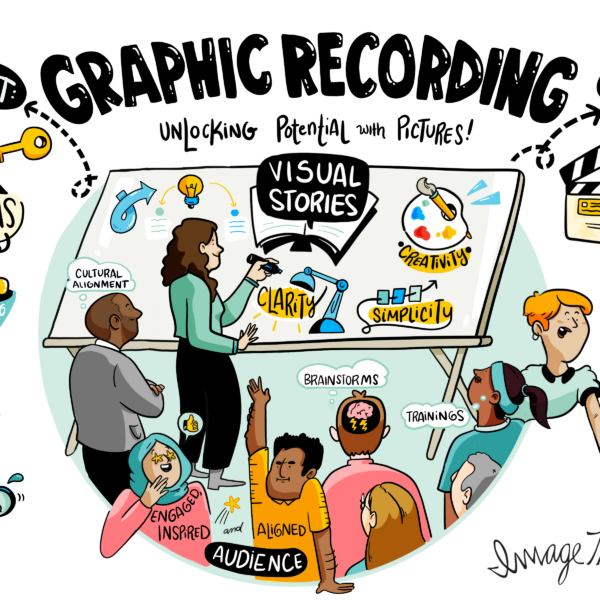
This guide shares a practical event checklist you can use for pre-event planning, whether you’re hiring graphic recording, visual facilitation, or both.
What Is an Event Briefing (and Why It Matters for Visual Work)?
An event briefing is a short alignment process that gives your visual team the context they need before the session begins.
It’s part of event preparation, but it’s more specific than logistics. A good event briefing clarifies purpose, audience, messages, format, and what success looks like.
For visual work, this matters because the visuals are only as useful as the intent behind them—and because the best visual outputs are designed to support the moment the room needs most: alignment, decisions, or commitment.
The Pre-Event Briefing Checklist for Visual Success
Use this event checklist as your baseline. You don’t need a 20-page document—you need the right inputs.
A complete event briefing typically covers outcomes, audience, content, flow, stakeholders, output expectations, and logistics.
If you’re doing pre-event planning on a tight timeline, prioritize the sections that affect what gets captured live: outcomes, key themes, format, and deliverables.
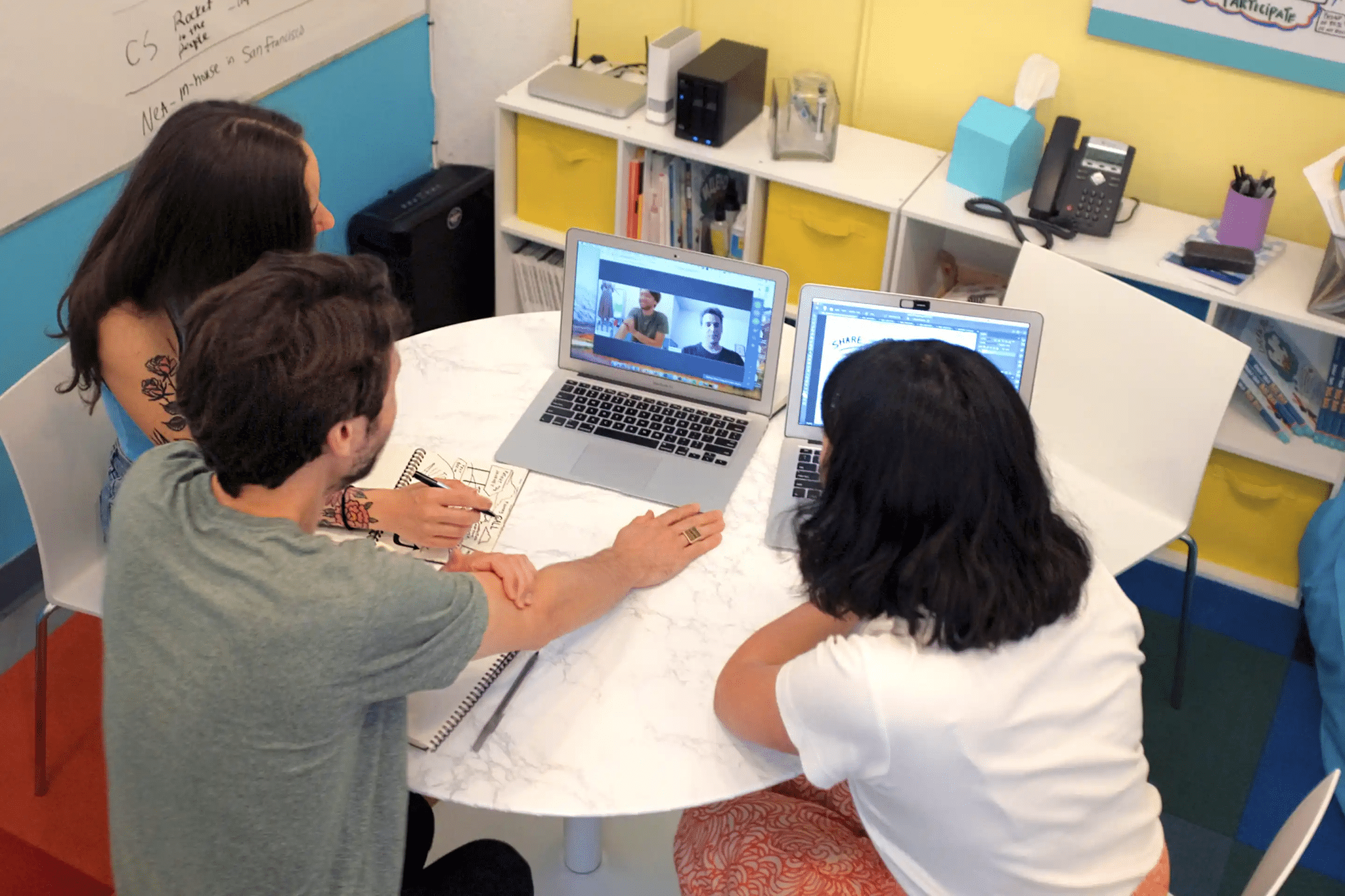
The Checklist: What to Cover Before the Session
Use the list below as your pre-event planning template. If you can answer these clearly, you’ll reduce day-of surprises and make event preparation smoother for everyone involved.
- Event purpose and desired outcomes: What is the session meant to accomplish? List 2–3 outcomes in plain language (decisions, alignment, actions).
- Audience profile: Who’s attending, what do they care about, and what dynamics matter (seniority, cross-functional tension, decision rights)?
- Key messages and themes: What must be reinforced? Share strategic pillars, language in use, and any sensitive topics to handle carefully.
- Session format and flow: Provide a simple run of show (keynote, panel, workshop, breakouts, hybrid) and note where the energy shifts from discussion to decision.
- Speakers and stakeholders: Names, roles, who owns final decisions, and who approves the final output (plus any legal/compliance review needs).
- Visual output expectations: What should the visuals do—document, synthesize, drive decisions, or create a reusable artifact? Clarify how the visuals will be used after.
- Logistics and setup details: Location, room layout, stage placement, screen access, lighting, where the visual team sets up, and who can troubleshoot.
- Timing and deliverables: Start/end, breaks, must-capture moments, file formats, resolution needs, naming conventions, and delivery timeline.
- Brand and tone guidelines: Brand standards (if you have them) and the tone to match (executive, warm, bold, playful). Include words to use/avoid.
- Success metrics: How you’ll know it worked (alignment, decisions, recall, engagement, reuse of the artifact, follow-through after the event).
How to Run an Effective Event Briefing Meeting
Keep the event briefing meeting short and structured—30 minutes is often enough if the right stakeholders show up.
Use the checklist above as the agenda, assign an owner for open questions, and confirm who approves the final visual output.
A simple 30-minute format that works well for event preparation looks like this: 5 minutes to confirm the purpose and desired outcomes, 10 minutes to walk the run of show and identify the “capture points” (where you want the visuals to shift from notes to synthesis), 10 minutes to review key messages, stakeholders, and any sensitive topics, and 5 minutes to lock logistics, deliverables, and success metrics.
To make pre-event planning easier, invite the people who can answer questions in real time: the event owner, the lead facilitator or emcee, a representative for speakers (or the keynote owner), and anyone responsible for brand, comms, or compliance. If you’re running hybrid, include your AV/producer so screen-share, camera angles, and room layout don’t become last-minute surprises.
Before the call, send a one-page briefing form (or a short email) with the checklist items and ask stakeholders to fill gaps in advance. That small step improves event preparation because the meeting can focus on decisions and tradeoffs instead of hunting for basic details.
For graphic recording, share the run of show and key messages so the capture is accurate and on-brand. For visual facilitation, also share constraints, decision points, and what “good” looks like in the room so the visuals can guide attention and synthesis.
How a Strong Event Briefing Improves Visual Impact
A strong event briefing reduces rework, improves accuracy, and makes the visuals more strategic.
It also strengthens pre-event planning because it forces alignment before the room fills up.
The result is better event preparation, a smoother live experience, and visuals that people actually use after the session.
Great Visuals Start Long Before the First Marker Hits the Board
If you want visuals that drive clarity, start with a clear event briefing.
Use this event checklist to guide pre-event planning, align stakeholders, and set your visual team up for success.
If you’d like, ImageThink can run a pre-event briefing with your team and recommend the right approach for graphic recording or visual facilitation based on your goals.